Clinics and hospitals
A waiting room that shows the token
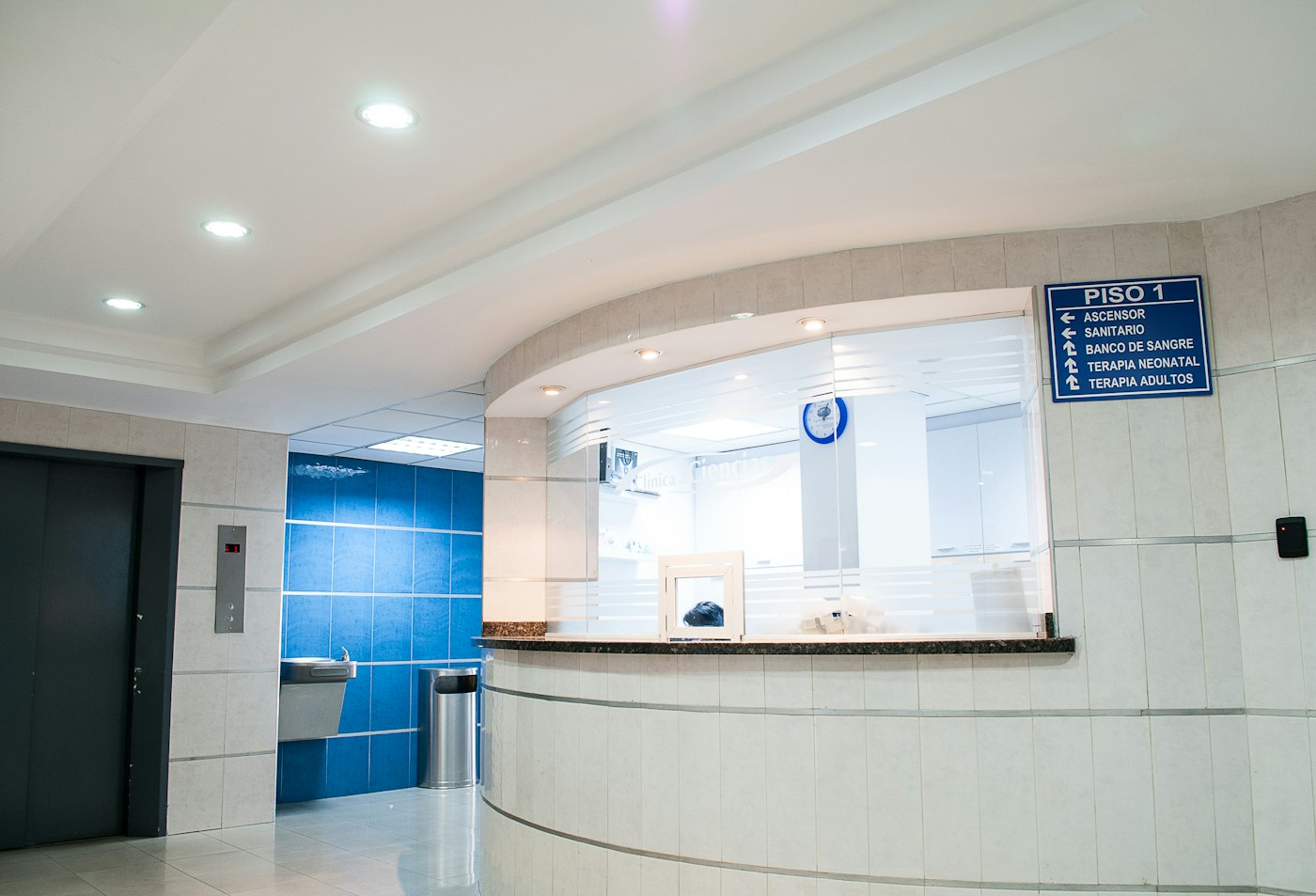
People in a lobby want the current token and a simple direction. Patient Flow starts with those two slides. Staff update them from the desk or the phone.
This page is the Patient Flow service of Pulse 360 Signage, built in Delhi NCR by Pulse 360 Communications. On the trial form, choose Patient Flow (Clinics and hospitals) under What do the screens show?
Use cases
The token is shouted across the lobby
The pack includes a Now serving board. Change the token and press Save menu. The label on this pack is Token.
Visitors cannot find the pharmacy
Edit the wayfinding slide. Keep it to directions. The slide is not clinical advice.
The same screen should go quiet after hours
Set Wake and Sleep on the screen, then press Save screen. An alert still shows in those dark hours.
Features
- A token board and a wayfinding slide.
- A playlist named Patient Flow.
- Phone editing for the token rows.
- Waiting-room notices on a playlist.
What stays manual
- A hospital record system and an SMS gateway are not connected.
- Wait time, perceived wait, and no-show rate are not measured.
- The slides do not give clinical advice.
Questions
Does the token come from the hospital system?
No. Staff type the token. An HIS or EMR feed is not connected.
Will this page tell patients what treatment to expect?
No. Use it for a token and for directions such as reception, pharmacy, and wards.
Open a desk Read the how-to guide